Common Snagging Mistakes and How to Avoid Them on Site
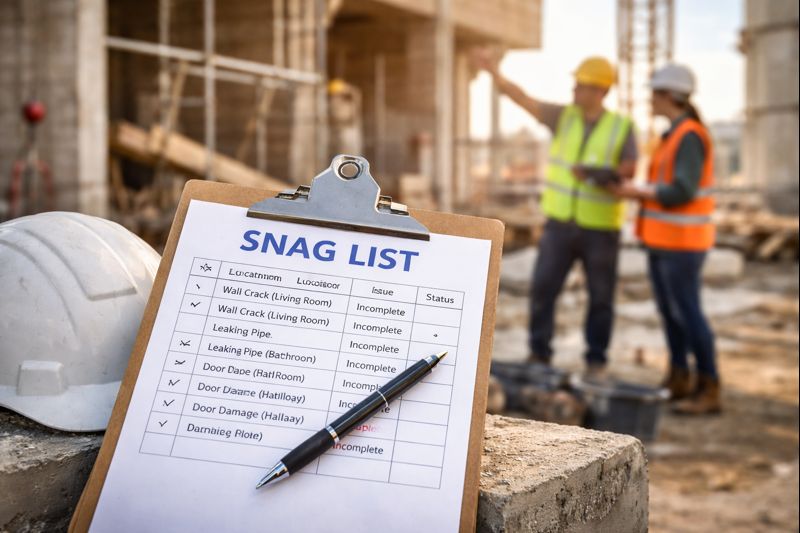
Snagging is supposed to make site teams faster: identify defects, assign responsibility, fix issues, verify closure. But many projects still struggle because snag lists are created with missing details, unclear photos, or inconsistent workflows. That leads to delays, disputes, and repeated re-inspections.
Below are the most common snagging mistakes we see on construction projects—and exactly how to avoid them using a structured snag list process.
Mistake 1: Vague snag descriptions
When a snag says “Fix wall” or “Check plumbing,” the contractor has to guess what is required. That increases the chances of incorrect fixes and rejected closures.
How to avoid it
- Write the defect clearly: what is wrong and what “done” looks like.
- Include measurable details where possible (size, quantity, finish standard).
- Use a simple format: Issue → Impact → Expected fix.
A good snag should be actionable without a phone call: clear location, clear defect, clear expectation.
Mistake 2: Poor or missing location details
“Second floor” is not a location. When teams spend time hunting for issues, rectification slows down and people lose confidence in the list.
How to avoid it
- Use a consistent location hierarchy: Block → Floor → Unit/Room → Zone.
- Where possible, include drawing references or grid lines.
- Standardize naming (e.g., “Level 03” vs “3rd Floor” — pick one).
Mistake 3: Weak photo evidence
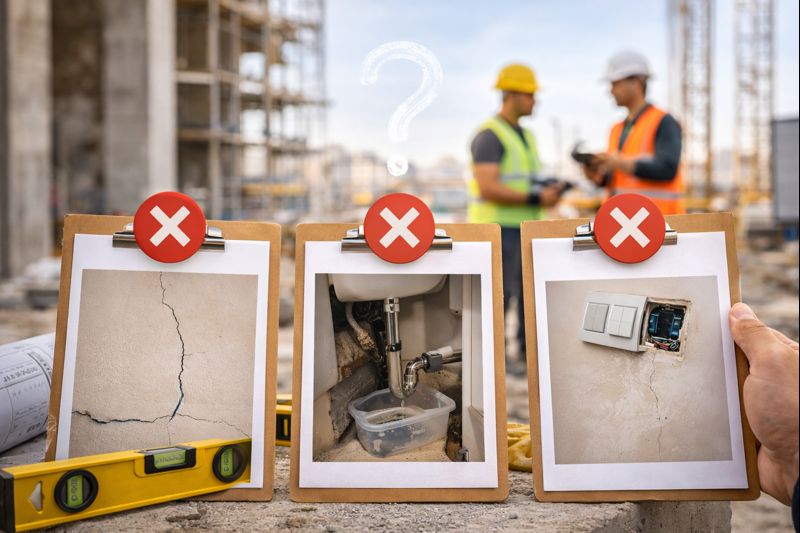
Blurry images, poor lighting, or close-ups with no context create disputes. The contractor can’t identify the defect—or claims it isn’t theirs.
How to avoid it
- Capture two photos where needed: one wide (context) + one close-up (detail).
- Add markups (arrow/circle) for small defects like chips, cracks, or alignment gaps.
- Take photos in good light; retake if not clear.
Mistake 4: No priority system
If everything is “urgent,” nothing is. Without prioritization, teams waste time on low-impact items while critical issues delay handover.
How to avoid it
- Use a simple priority model: Critical / High / Medium / Low.
- Define critical clearly (safety, compliance, commissioning blockers, water leaks, major failures).
- Review priorities during weekly coordination meetings.
Mistake 5: No ownership or assignee
Snags without owners remain open. If it isn’t assigned, it isn’t getting fixed—especially when multiple trades overlap.
How to avoid it
- Assign every snag to a contractor/subcontractor or internal team.
- Tag the trade (Civil / Electrical / Plumbing / HVAC / Finishes).
- Set due dates aligned with the program.
Mistake 6: Duplicate snags and poor version control
When teams use paper, Excel, and messaging apps, duplicates happen. Multiple versions get circulated and no one knows what is current.
How to avoid it
- Use one system of record for all snag items.
- Use unique snag IDs and consistent numbering.
- Close the loop with status updates after re-inspection.
Mistake 7: Closing snags without verification
Some teams mark snags “done” as soon as the contractor says they fixed it. That leads to repeat defects and client rejections.
How to avoid it
- Use a workflow: Open → In Progress → Fixed → Verified → Closed.
- Require photo proof for typical defects (finishes, sealing, alignment).
- Schedule re-inspections by location and priority to reduce wasted visits.
A simple snagging checklist (best practice workflow)
- Capture with clear location, description, and photos/markups
- Assign owner + trade + priority + due date
- Track status changes and comments
- Verify fixes on site (photo evidence where needed)
- Close and export a clean report for stakeholders
How SnagBricks helps you avoid snagging mistakes
SnagBricks is designed for fast, structured snagging on site. It helps teams capture defects with photos and markups, assign ownership, set priorities, track status, and export professional PDF/Excel reports—without messy spreadsheets.
- Structured location fields for faster identification
- Photos + markups to reduce disputes
- Clear ownership and status tracking
- Export client-ready PDF and actionable Excel reports
Download SnagBricks for Snag Lists and Defect Logging
Capture snags with photos and markups, assign issues, track closure, and export professional PDF & Excel reports in minutes.